.svg)

Share
Vertical Export
Auto-reframes your 16:9 footage into a 9:16 clip that follows the ball as smoothly as a real camera operator. Ready for Reels, Shorts and TikTok.
Monitor your tennis performance, watch match highlights, filter shots, and improve your game with our comprehensive tennis application.
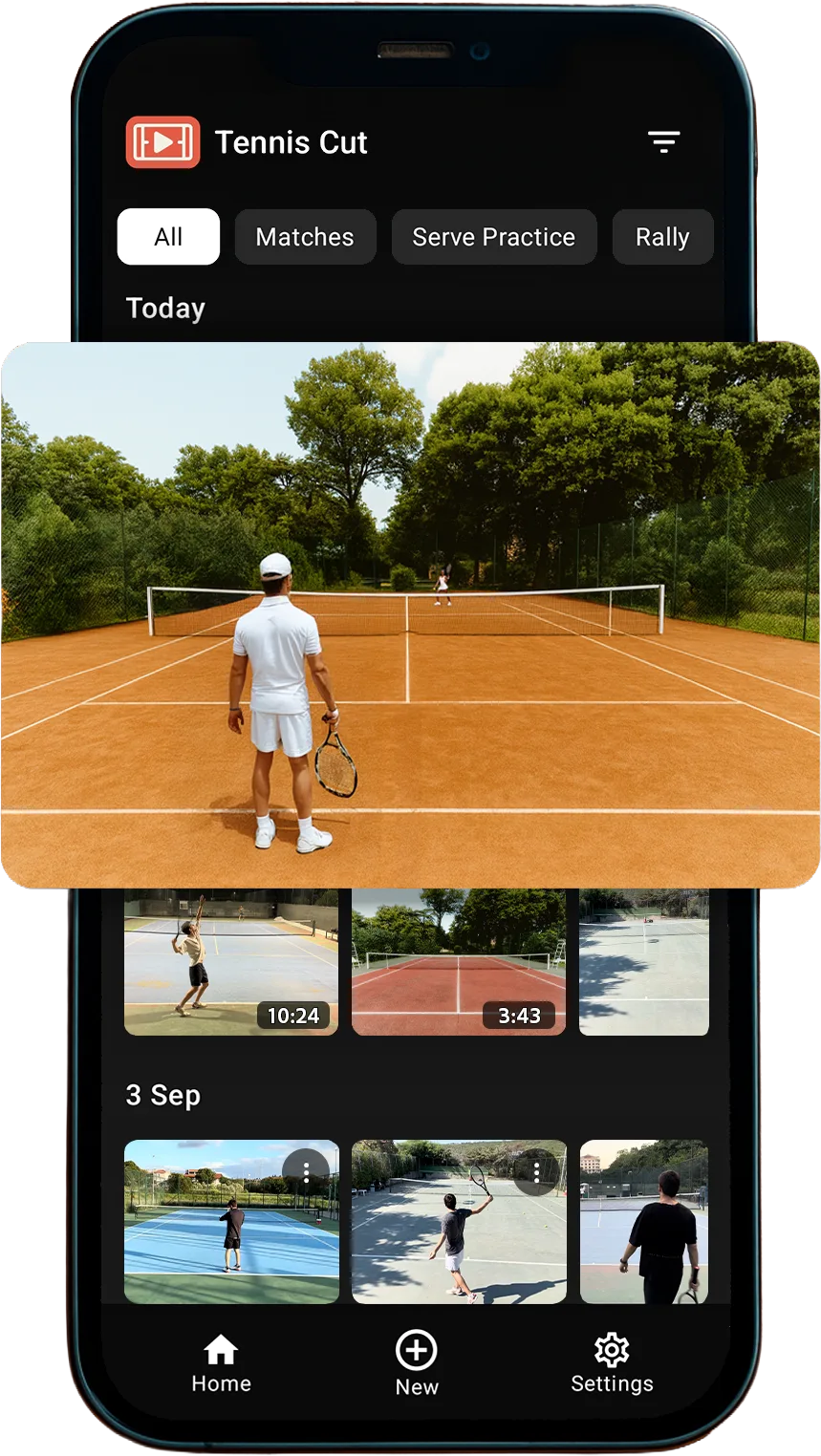
From AI-detected rallies to one-tap exports, see how TennisCut turns a full match into the moments worth keeping.
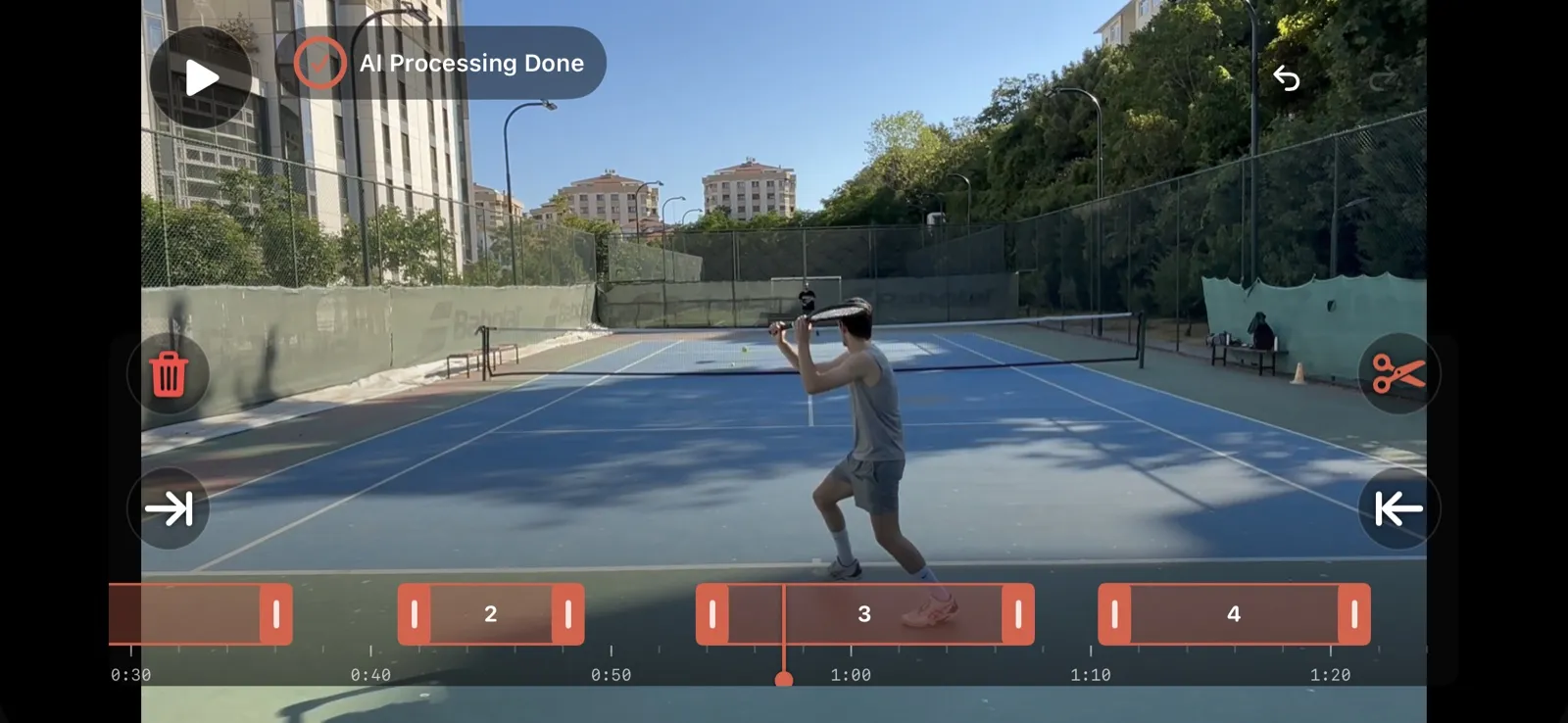
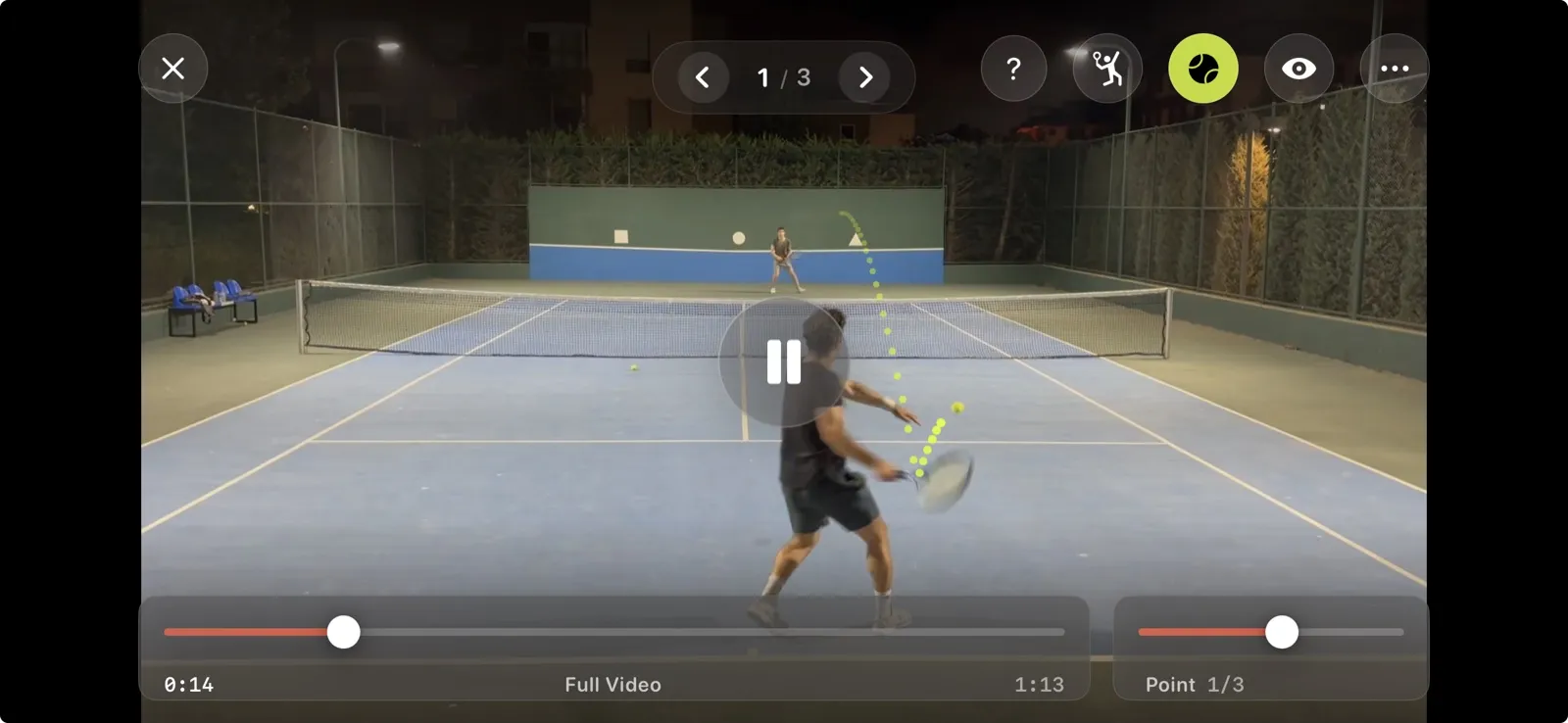
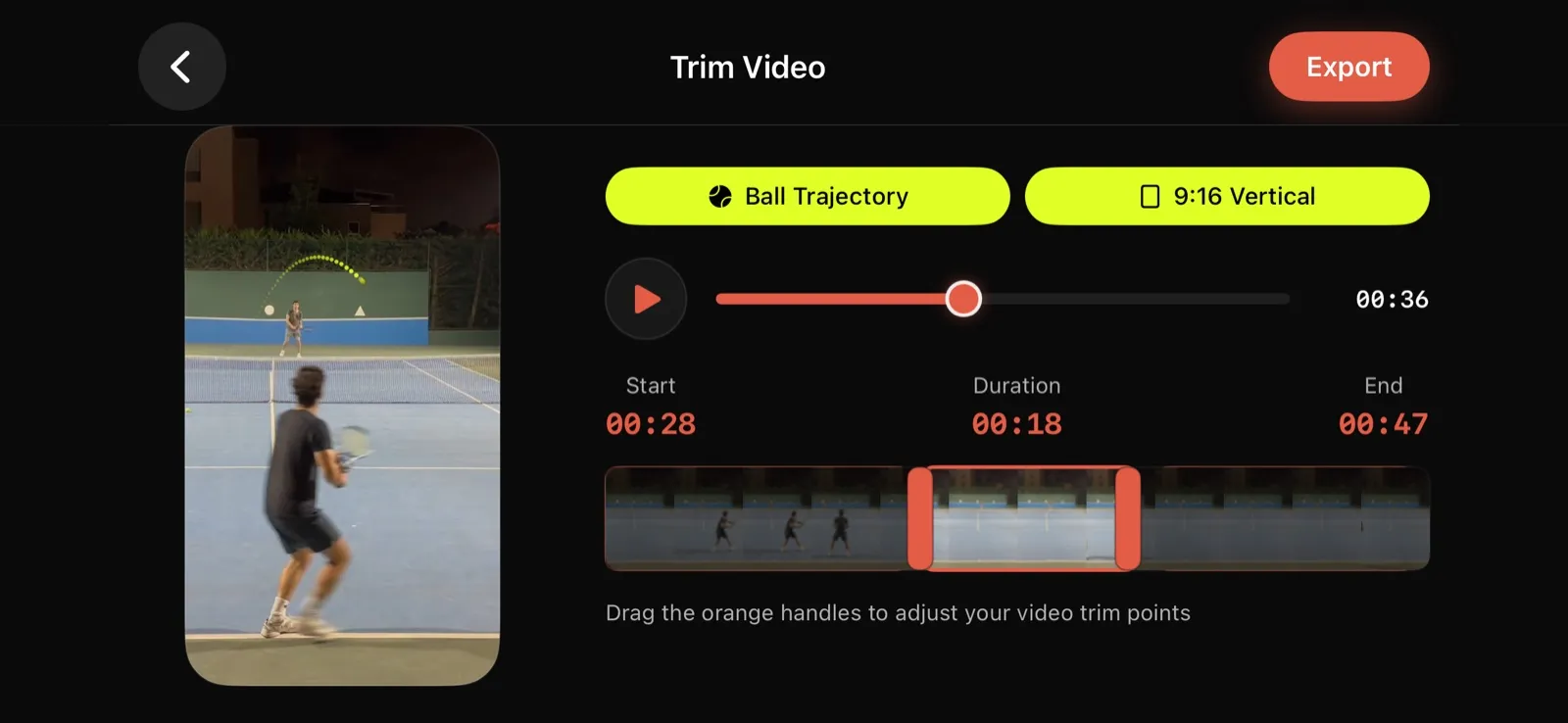
Nine tools that turn a raw match recording into something you can actually learn from, and show off.
Auto-reframes your 16:9 footage into a 9:16 clip that follows the ball as smoothly as a real camera operator. Ready for Reels, Shorts and TikTok.
On-device AI strips the idle time between points, so a long session becomes an action-only reel with no manual editing.
AI marks every rally as you record, so you can sort, filter and jump to any point.
Keep score, track heart rate and calories, and start recording from your wrist.
See the path of every shot drawn over the video, so you can check placement and depth.
Step through any shot frame by frame. Hold to scrub, tap to advance.
Jump straight to your forehands, backhands or serves and review them one by one. On iPhone.
Cut any single point with one tap, or build a match recap card to share.
Every bit of AI runs on your phone. Your videos are never uploaded, so your footage stays yours, even offline.
Reviews from players who share their experiences with TennisCut
I can't believe you guys created this masterpiece! I could use it all the time. The downside is that sometimes I don't have anyone to play with and therefore can't record, but I use it whenever I can. Plus, the full version is amazing and incredibly useful. You guys are #1!
I use most of the time Tenniscut, i rarely use the other apps nowadays. Keep improving guys!
Today I recorded some rallies and everything was great, the video setting (and video quality), the game mode, the app is user friendly and with the tutorials it's amazing.
Choose according to your needs, you can upgrade anytime
For those starting their tennis journey
For those who want to improve their game
Advanced features for teams
Analyze like professionals with TennisCut, track your performance, and improve your game. Download now and transform your tennis experience.
Free Download
Easy Installation
Regular Updates
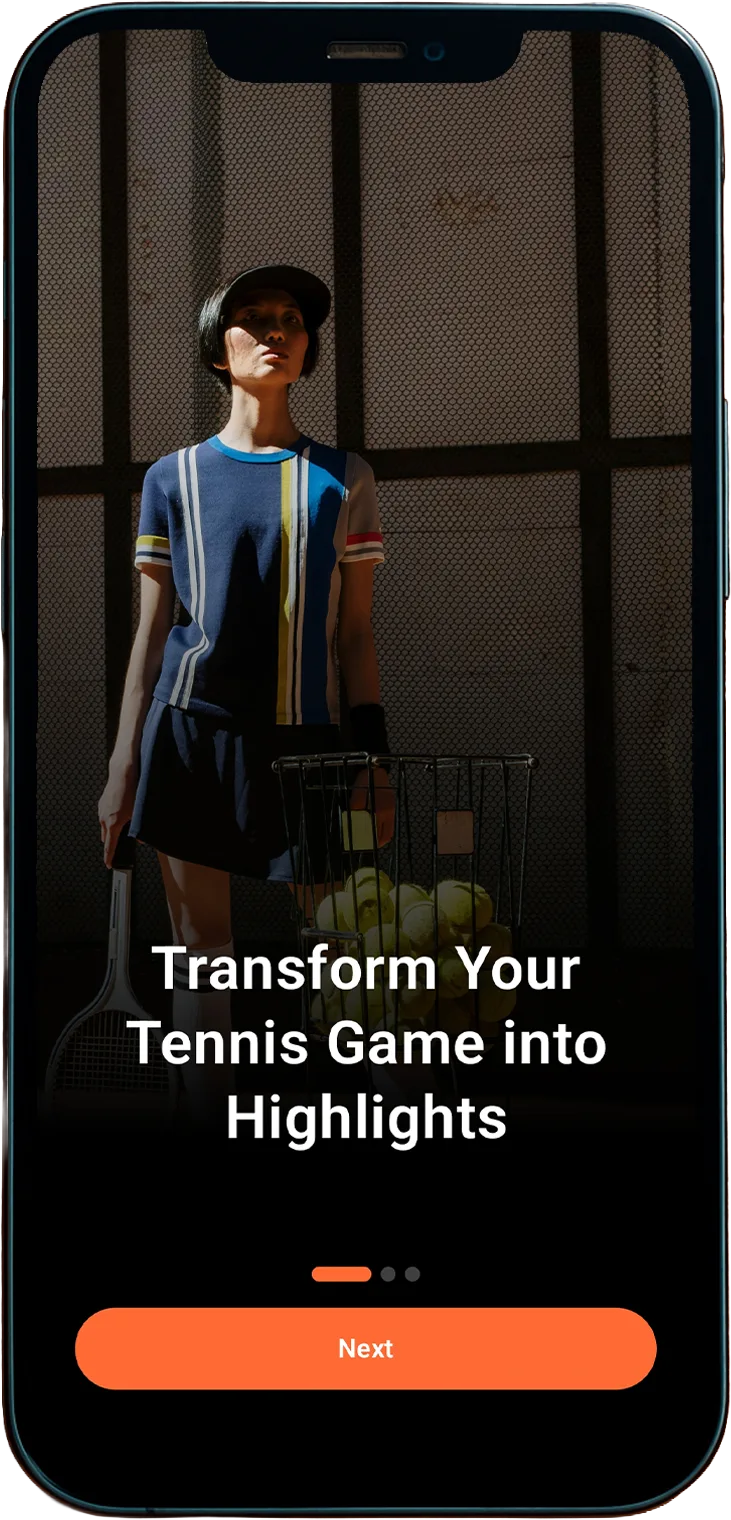
Here you can find answers to frequently asked questions about TennisCut
TennisCut records your match with your phone's camera and uses on-device AI to detect rallies and active play. It automatically removes the dead time between points, draws the ball's path on the video, and lets you review every shot frame by frame, so you can focus on the moments that matter.
Put your phone in the center of the court, behind the baseline, as high as you can: on a fence mount or a tall tripod. Hold it horizontally (landscape) and zoom in as much as possible while keeping all four corners of the court in the frame. The in-app Camera Setup Guide shows good and bad examples.
TennisCut is free to download, and recording, the tennis video player, frame-by-frame Coach Eye, the rally editor, the scoreboard and match recap cards are free. TennisCut Pro, a monthly or yearly subscription, adds AI trimming, rally detection, ball trajectory, point export and vertical 9:16 clips. See the Packages section for the full list.
TennisCut works on iPhones running iOS 17 or later and Android phones running Android 11 or later. The Apple Watch app (watchOS 10 or later) works together with the iPhone app for score keeping, heart rate and remote recording.
Yes. All AI analysis runs on your phone, so you can record and analyze matches on courts with no signal. Your videos never leave your device.
Your videos are never uploaded: they stay on your phone. When you sign in, TennisCut syncs only your account, your player profile and session details such as dates, durations, scores and rally counts. You can delete your account at any time in Settings. Our privacy policy has the details.
Yes. You can import videos from your photo library or files and review them in the TennisCut player. AI analysis of imported videos is part of Pro. For the best accuracy, use horizontal videos filmed from behind the baseline.
TennisCut is available in 15 languages: English, Turkish, German, Spanish, Italian, Dutch, Norwegian, Portuguese (Brazil), Indonesian, Filipino, Thai, Japanese, Korean, Simplified Chinese and Traditional Chinese.
Your full recordings are automatically saved to your phone's gallery, with no extra steps needed. To save just one moment, use 'Export This Point' in the video player (Pro). You can export it with the ball's path drawn on, or as a vertical 9:16 clip that follows the ball.
Of course! Videos and clips are saved to your phone, so you can send them to your coach with any app you already use: Messages, WhatsApp, email, AirDrop and more. You can also share a match recap card with the score.
Yes, on iPhone. The Apple Watch app keeps the live score, records your heart rate and calories as a tennis workout, and can start and stop the recording on your phone. Wear OS watches are not supported yet.
TennisCut is built for long sessions. About a minute after you start recording, it turns off the camera preview to save battery while it keeps recording; tap Show to see the preview again. An average of 15-20% battery consumption is expected during a match recording session.
Yes! You can reach us through our in-app feedback form or via email. We do our best to respond as quickly as possible. Our FAQ section also covers the most common questions.